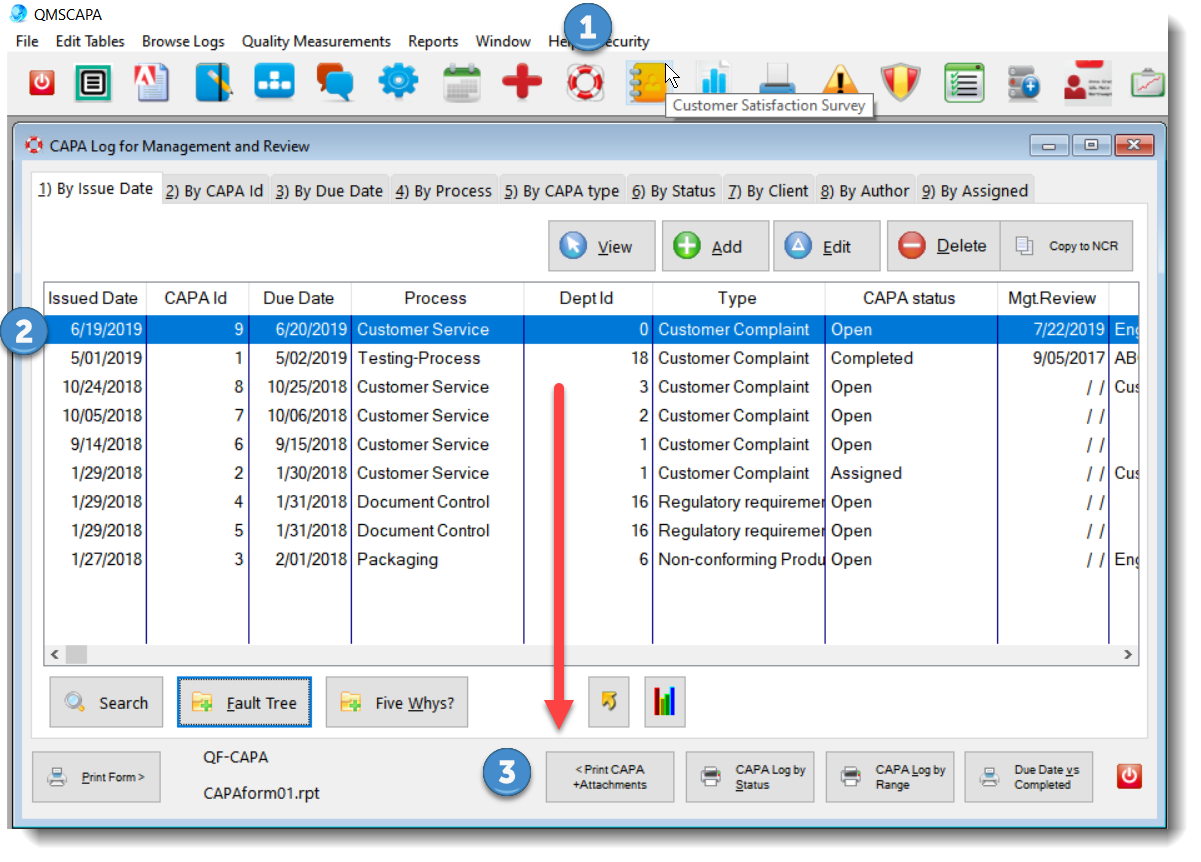
Menu Option1)Shown in the image below is the Browse Logs menu option to navigation to the 2)CAPA Log (unfiltered) by the CWG (Current Work Group code). 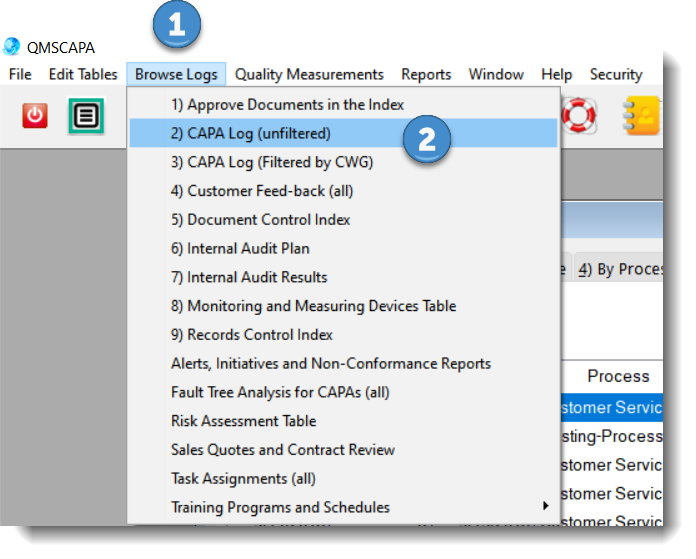 Browse Table1)Shown in the image below, the Life Saver icon may be used to access the CAPA Log table; 2)To print a CAPA report with attachments (images) first select (high-lighted) the CAPA; 3)Click on the [ Print CAPA +Attachments ] button.
 Report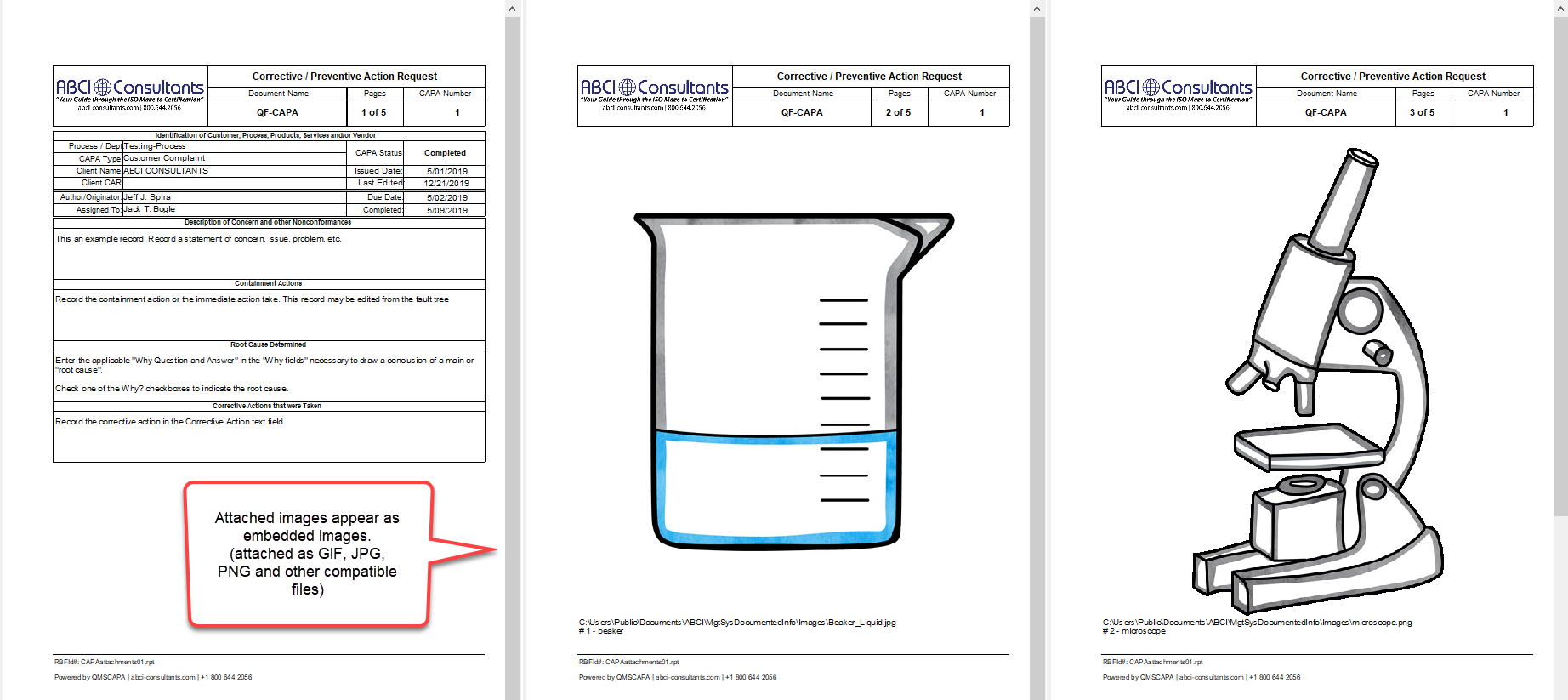 |
☑ AS9100 D Implementation & Templates Kit
☑ ISO 9001:2015 Implementation & Templates Kit
Online Internal Auditor Training Course ISO Management Systems +1 800 644 2056
|