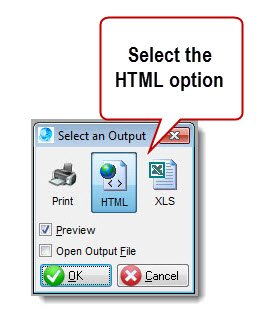
Many QMSCAPA reports have an option to output HTML files.
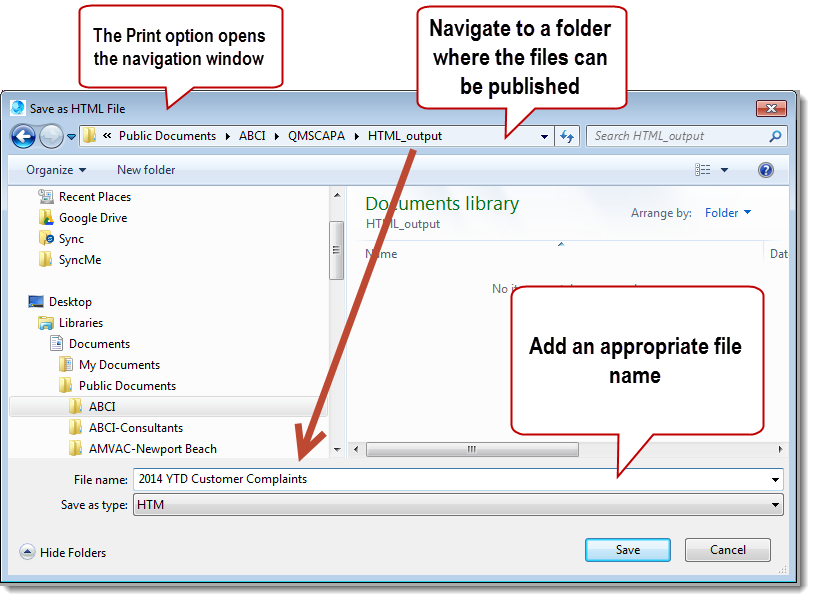
User Tip: 1.Select the HTML icon to redirect the output away from the printer and save as an HTML file. 2.Use the standard Print menu options and icons to open the naviagtion window to save as an HTML file. 3.If appropriate, select a shared Public location that can be accessed by others.
Related Topics:
|
Online Internal Auditor Training Course ISO Management Systems  +1 800 644 2056
|