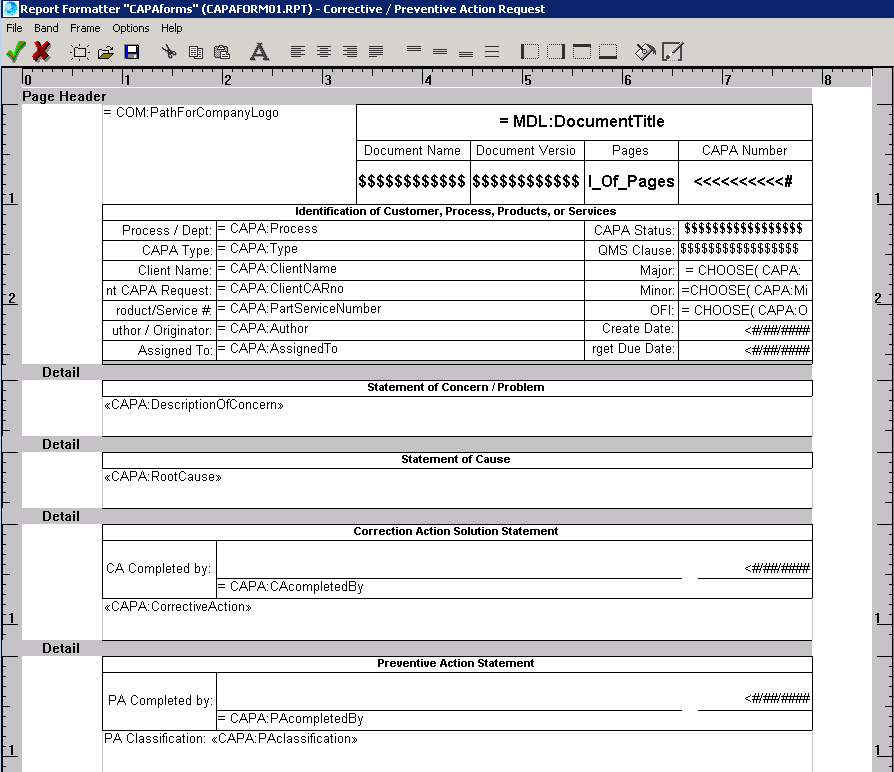
Whenever you create a new report or modify an existing report you will be using a report formatter or "painter" to place item(s) in the desired location. The screen is very easy to use, with a toolbar of commonly used commands, a pulldown menu, and use of the right mouse button to modify item(s) on the screen. Here is a sample screen "painter"; place the mouse button over an item - if the mouse cursor changes to a hand you can left click the mouse to see what the item does.
 |
 +1 800 644 2056
|