QMSCAPA requires a default printer set in the Windows OS to print preview or to print to a printer devices. Be sure to set the default printer in your local computer's Control Panel (see Control Panel > Printers and Devices) before starting QMSCAPA.
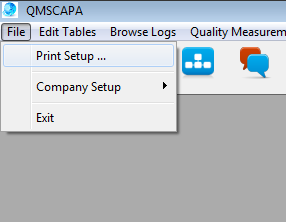
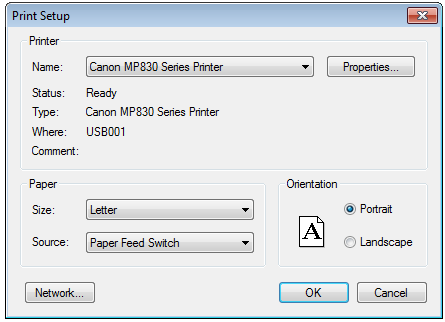
QMSCAPA will automatically link to the computer's default printer. You can select a different print once QMSCAPA starts.
 |