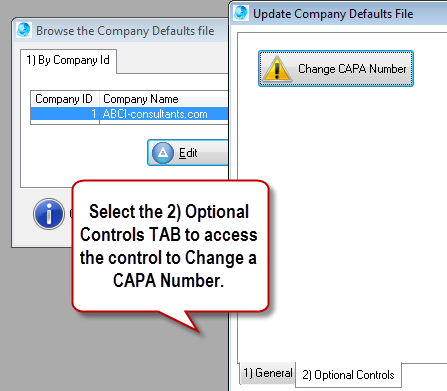
 CAPA log numbers are automatically generated and protected from inadvertent changes. CAPA log numbers are automatically generated and protected from inadvertent changes.
To change an existing CAPA number open the Company file.
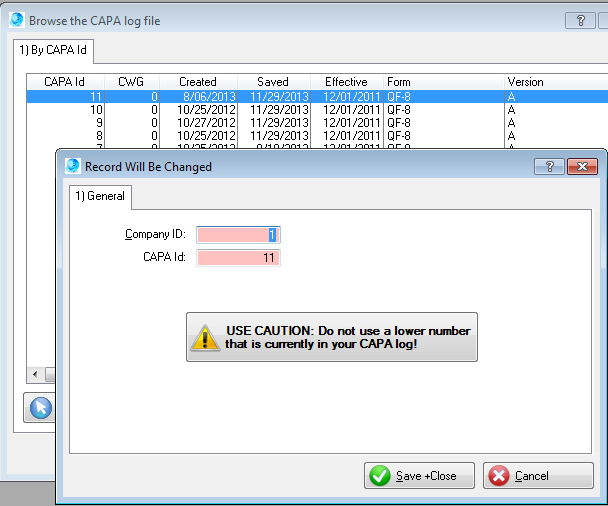
•Navigate to File > Company Setup > Edit > 2) Optional Controls •Select the [Change CAPA Number] button •The Company Setup window will close and the Change CAPA number table will open and display with the CAPA numbers in descending order. •USE CAUTION: Avoid using a number that is less than the highest number in your CAPA log. •Duplicate numbers are prohibited.
User Tip: Use caution and avoid using a lower CAPA # that is currently in your CAPA log.
|