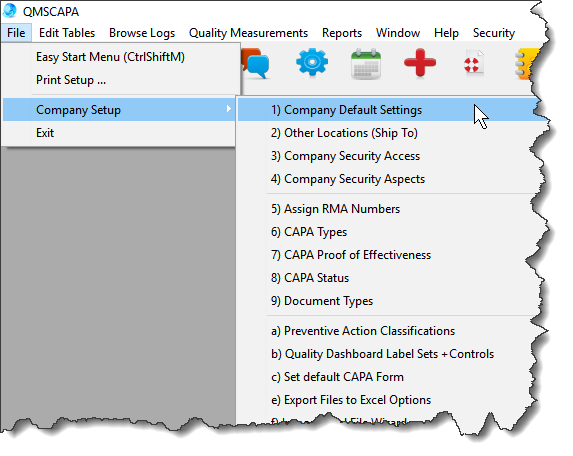
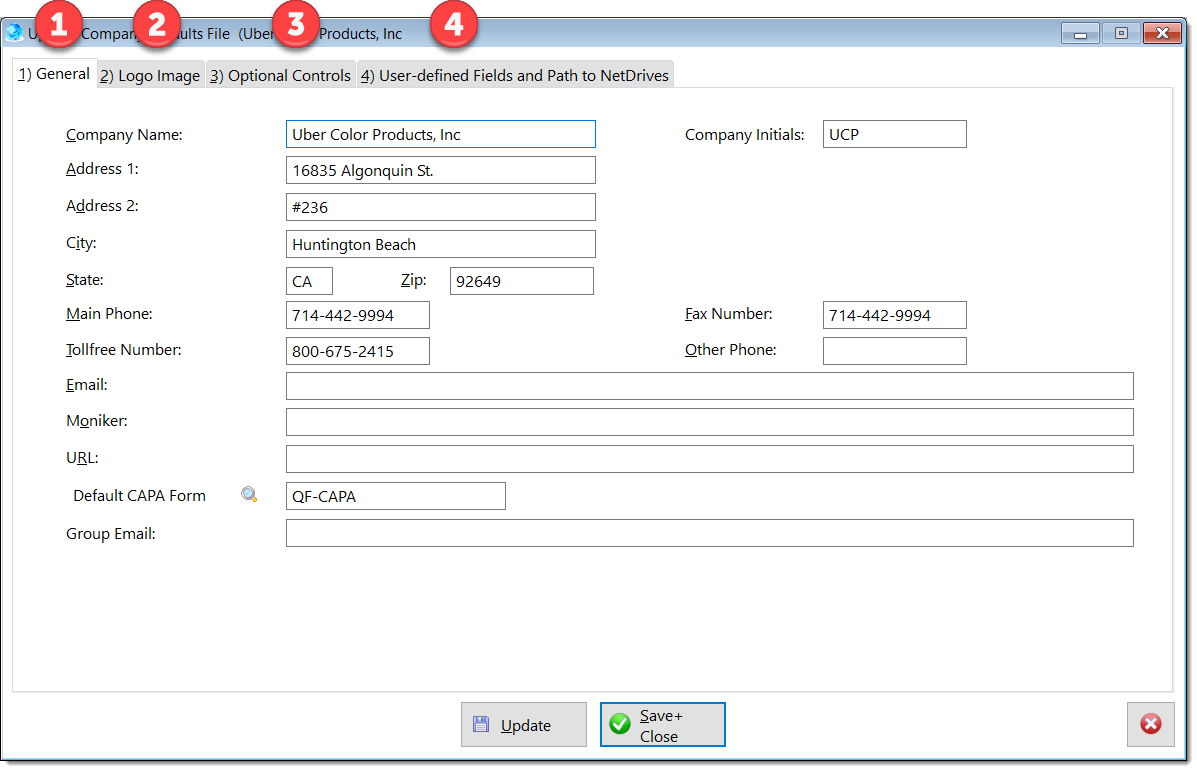
 Browse Table for Company Setup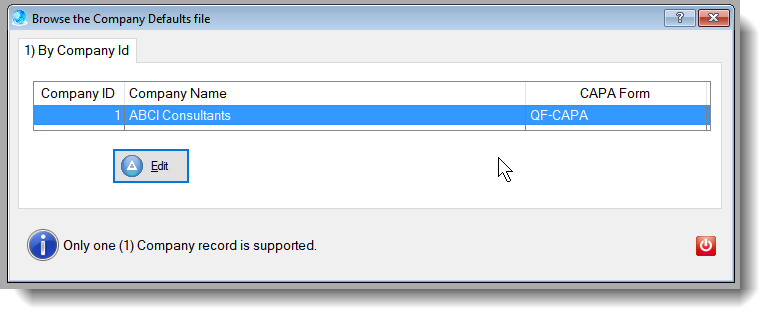 Edit Form for Company Setup1)General Tab - Update the organization's default identifications. 2)Logo Image Tab - Set the location of the logo image. 3)Optional Controls Tab - Includes default locations for storing attachments, documents, records and spreadsheets. 4)User-defined Fields Tab - Includes custom item field names. 5)The default CAPA form is defined as a company default to add to each new CAPA. The default CAPA form must be listed in the Document Control Index and in the Report Builder Menu.
 |